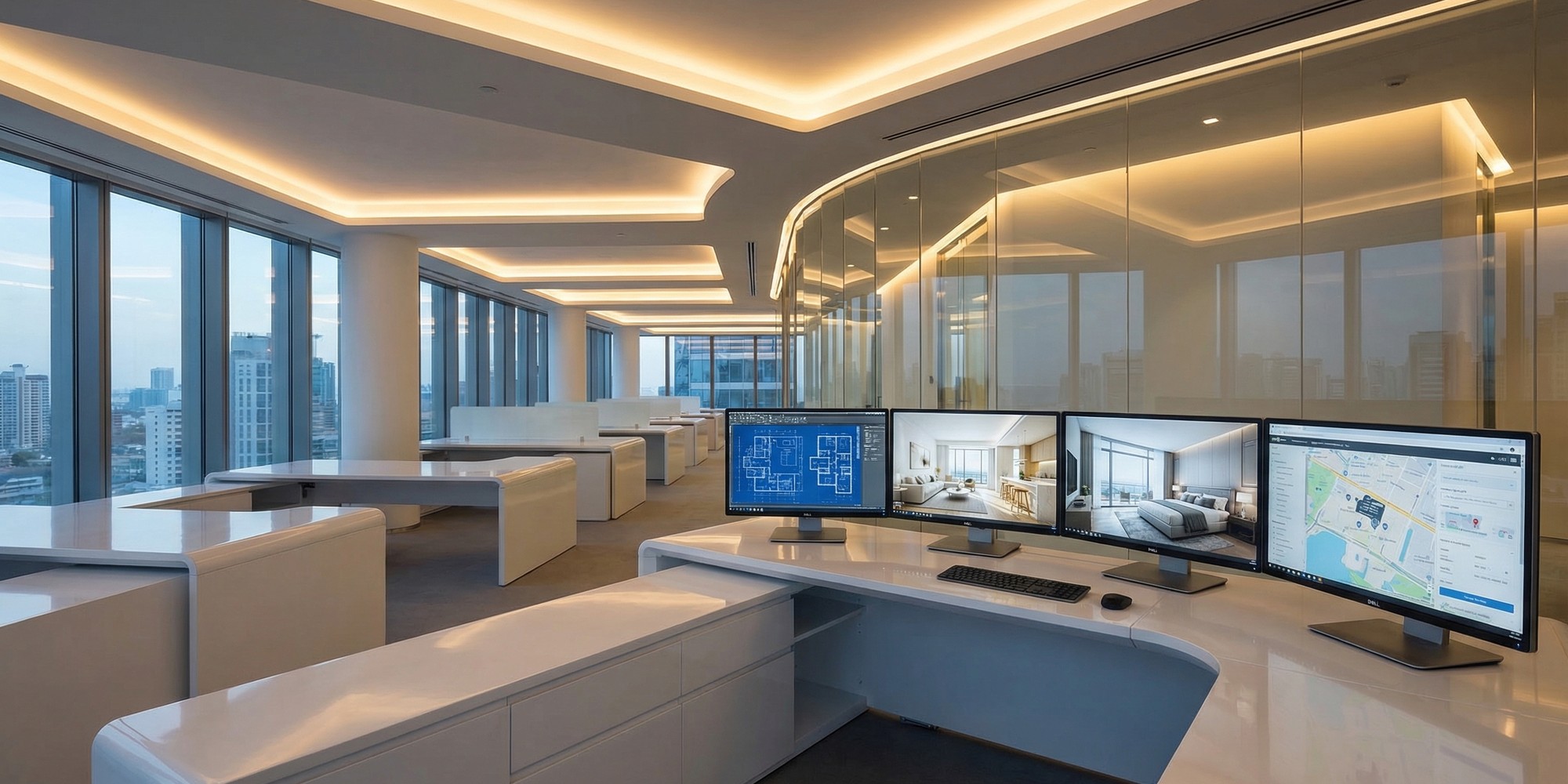
Solo agents adopting AI virtual staging see results immediately — cleaner listings, faster turnaround, lower costs. But teams and brokerages face a different, thornier problem: consistency at scale. When you have eight agents handling twenty active listings across three price points and two neighborhoods, “everyone does it their way” becomes a presentation liability. One agent delivers polished, cohesive visuals. Another delivers cluttered rooms in the wrong style for the target buyer demographic. The listing quality gap is visible to buyers — and it costs deals.
The solution is not simply adopting an AI staging tool. It’s building a system around that tool. Teams that have cracked this are running AI virtual staging like a production pipeline: defined inputs, predictable outputs, measurable results across every listing in their portfolio. Here is exactly how they do it.
Why Presentation Inconsistency Is a Team Problem, Not an Agent Problem
Individual agents default to their own aesthetic preferences when staging decisions are left unstructured. What reads as “modern” to one agent looks “cold” to another. One agent favors neutral palettes that photograph well in any lighting. Another selects furniture styles that appeal to their personal taste but mismatch the property’s architecture.
This inconsistency creates a compounding problem for teams. Buyers who browse multiple listings from the same brokerage will notice disparate quality — some properties look aspirational, others look like an afterthought. The brand signal this sends is fragmented, and fragmented brands lose trust.
Consistent, high-quality AI virtual staging across every listing in a portfolio signals something powerful: this team has its act together. That perception translates directly into seller referrals, stronger listing presentations, and faster buyer decisions.
Step 1: Define Your Team’s Staging Style Architecture
Before any AI tool gets deployed across a team, the team needs a staging style architecture — a documented set of aesthetic decisions that every agent draws from when submitting staging requests.
A style architecture typically covers four variables:
- Design aesthetic tier: Modern/Contemporary, Traditional/Classic, Transitional, or Coastal/Organic. Teams often define two or three tiers tied to their core market segments.
- Color palette constraints: Neutral base (whites, creams, warm grays) with defined accent ranges by property type. Avoid pure white walls in older homes; avoid warm tones in new construction where buyers expect cooler palettes.
- Furniture density guidelines: Light staging (2–3 key pieces per room) for high-end properties where space is the feature; fuller staging (complete room furnishings) for mid-market where buyers need visual lifestyle cues.
- Room prioritization by property type: Single-family homes prioritize the living room, primary bedroom, and kitchen. Condos lead with the living/dining open plan. Investment properties emphasize the income potential of functional, neutral spaces.
Documenting these decisions takes an afternoon. Maintaining consistency from them saves hours of revision per listing — and eliminates the quality lottery entirely.
Step 2: Build a Shared Prompt Library
AI virtual staging tools are only as good as the instructions they receive. Teams that scale well maintain a shared prompt library — a living document of pre-approved staging prompts organized by room type, property segment, and design tier.
Rather than every agent writing from scratch (“stage this living room to look nice”), the team library contains tested, refined inputs:
- “Modern transitional living room, light oak furniture, warm gray sofa, linen throw, minimal accessories, bright natural light, no rugs visible, 3-point furniture arrangement”
- “Traditional primary bedroom, navy and cream palette, upholstered headboard, symmetrical nightstands, bedside lamps, soft texture layering, no artwork”
- “Vacant condo living/dining combo, Scandinavian modern, natural wood tones, white walls emphasized, statement pendant over dining table, no clutter”
When an AI virtual staging platform receives specific, tested inputs, output quality is dramatically more predictable. Teams report 60–70% fewer revision requests once a shared prompt library is in place — a direct gain in agent time and turnaround speed.
Building the library is a one-time investment. Maintaining it is a matter of adding new prompts as agents discover what works in new property segments.
Step 3: Create a Visual Quality Control Gate
Even with a style architecture and shared prompt library, individual AI outputs still require human review before going live. The critical mistake teams make is skipping this gate entirely — treating AI staging as a black box that produces final deliverables.
A functional quality control (QC) gate is lightweight but non-negotiable:
Review for spatial accuracy. AI staging occasionally produces furniture that clips into walls, doorways, or other surfaces. A five-second visual scan catches these before they reach the listing.
Verify scale and proportion. Oversized furniture in a compact room or undersized pieces in a large open plan both undercut buyer credibility. Compare against room dimensions if available.
Check edge and lighting artifacts. Most AI staging tools have improved substantially in photorealism, but lighting mismatches (furniture shadow direction inconsistent with room light source) and edge artifacts around furniture legs or fabric edges still occur. Flag and regenerate these.
Confirm style consistency within the listing. Living room and kitchen should pull from the same aesthetic. Mixed signals across rooms — contemporary kitchen, traditional bedroom — create visual incoherence that buyers register even if they cannot name it.
For teams using RealEstage.ai at scale, this QC process typically runs 3–5 minutes per room set. At a team volume of 15–20 active listings, that’s under two hours of QC per week for the entire portfolio — a negligible overhead compared to the presentation quality gains.
Step 4: Assign Roles and Build the SOP
Scale breaks down when accountability is unclear. High-performing teams assign two explicit roles in the AI staging workflow:
The Staging Coordinator — typically a team admin, transaction coordinator, or junior agent — handles prompt submission, raw output collection, and initial QC review. This person works from the shared library and flags anything requiring revision before senior review.
The Listing Agent — reviews the final staged set, provides client-facing context (what the seller wants to emphasize, any specific buyer demographic to target), and approves the outputs for upload to MLS and marketing channels.
The Standard Operating Procedure (SOP) for each listing follows a predictable sequence:
- Listing photos delivered by photographer
- Coordinator selects prompts from shared library based on property profile
- Coordinator submits staging requests for all priority rooms (minimum: living room, primary bedroom, one additional)
- Initial AI outputs reviewed against QC checklist
- Revisions requested where needed
- Final set approved by listing agent
- Staged images uploaded to MLS, listing website, and syndication feeds
From photographer delivery to MLS-ready staged images, efficient teams are hitting a 24-hour turnaround consistently. For high-priority listings, same-day turnaround is achievable by noon photographer delivery with afternoon staging submission.
Step 5: Measure What Matters Across Your Portfolio
Teams that scale AI staging without measuring its impact are flying blind. The data that matters for a portfolio-level view:
Days on market (DOM) delta. Compare average DOM for listings with full AI staging sets versus those without. Teams consistently report 15–30% reduction in DOM when comprehensive staging is applied. Track this quarterly.
Price-to-list ratio. Properties with professionally staged visuals — AI or traditional — have documented tendencies toward stronger offer-to-list ratios. AI staging eliminates the cost barrier that previously reserved this advantage for higher-priced listings only.
Online engagement metrics. MLS platforms and listing portals provide click-through data. Track average photos viewed per listing and time spent per property page. Properties with complete, high-quality staged image sets consistently outperform on both metrics — and online engagement is the primary driver of showing requests.
Staging cost per closed deal. Traditional physical staging runs $1,500–$7,200 depending on property size and duration, according to industry cost analyses. AI staging on a per-room basis runs a fraction of that cost — often under $50 for a complete listing set. For teams, the cost differential compounds across a full annual listing volume. Twenty listings per year with AI staging instead of physical staging represents a material cost reduction that flows directly to agent or brokerage margin.
Build a simple tracking sheet: listing address, staged rooms, DOM, final sale price versus list, and photos-viewed count if available from your MLS portal. Review quarterly. The data will either validate the system or reveal where adjustments are needed.
Step 6: Select Tools That Work at Team Scale
Not all AI staging tools are designed for multi-agent, multi-listing workflows. When evaluating platforms for team deployment, the criteria shift from solo-agent priorities:
Account and seat management. Team leads need central visibility into all staging jobs across agents, without logging in and out of individual accounts. Single-team dashboards with agent sub-accounts are a non-negotiable at scale.
Batch processing capability. Submitting one room at a time is workable for a solo agent with two active listings. A team with fifteen listings needs to submit multiple rooms across multiple properties concurrently. Tools that queue and process batches save coordinator time.
Revision workflow. When QC flags an output for regeneration, the platform should allow targeted resubmission without losing the approved outputs from other rooms in the set. Poor revision UX creates rework risk.
Style consistency controls. Some platforms allow saved style presets — essentially encoding your team’s style architecture directly into the tool. This eliminates reliance on prompt text alone and produces more consistent outputs from any agent on the team.
Export and delivery formats. Outputs should be available at MLS-ready resolution (minimum 2400 pixels on the long edge) in standard JPEG format with optional watermarking control. Tools that output low-resolution images or require complex download workflows create friction at the delivery end.
RealEstage.ai is built with precisely these team-scale workflows in mind — combining fast processing, style controls, and output quality that meets MLS and marketing standards without the turnaround friction that slower platforms create.
The Competitive Advantage Teams Are Building Right Now
In 2026, AI virtual staging platforms have made professional listing presentation accessible at a cost that eliminates the traditional argument against comprehensive staging. The question for team leaders and brokers is no longer “can we afford to stage every listing?” It’s “can we afford the inconsistency that comes from not having a system?”
The teams building an advantage right now are not simply using AI staging tools — they are institutionalizing them. Style architectures, shared prompt libraries, QC gates, and clear role assignments turn an impressive individual capability into a reliable team infrastructure. That infrastructure is what separates portfolio-level performance from listing-by-listing luck.
Your competition is building this system. The window to establish a differentiated, presentation-driven brand in your market is narrowing with every listing that goes live without one.
Related Articles
- The AI Staging ROI Business Case for Real Estate Agents in 2026
- The First 72 Hours: AI Staging and the Listing Launch Strategy That Converts
- The AI Real Estate Marketing Toolkit: Building a Listing System That Works
- How to Use AI Staging in Seller Consultations to Win More Listings
- Virtual Staging and the Conversion Funnel: How Better Images Close More Deals
- The Complete Guide to AI Virtual Staging for Listing Optimization